For field crews · iPhone & Android
Say it on site.
It's on the record.
AZUS Field turns a quick voice note into a clear report for the office. Tap once, say what happened, get back to work. Your hours are logged from the same words.
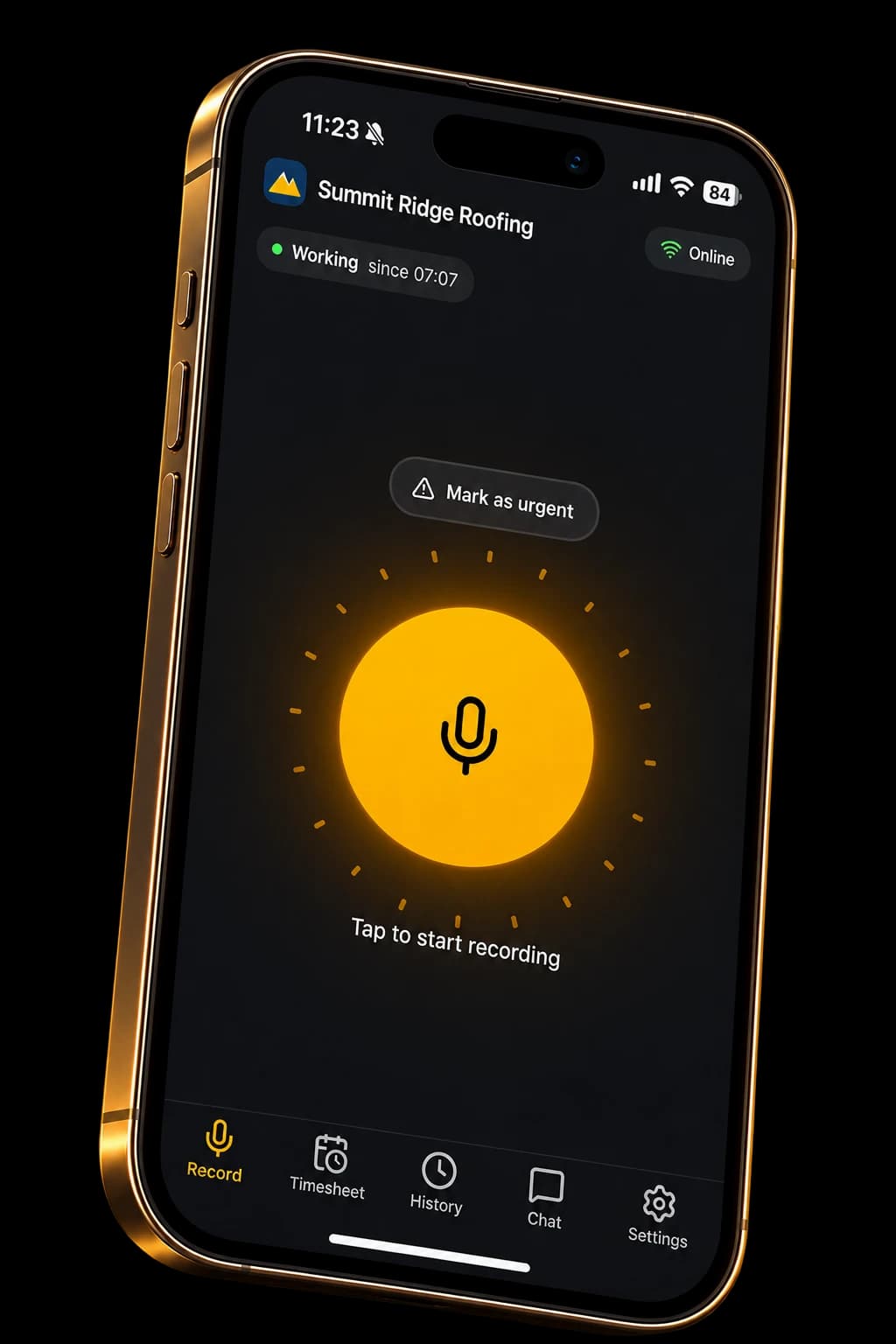
One sentence in. A clean record out.
Speech becomes text, and the app works out what kind of update it is, which site and equipment it's about, and what it means for the timesheet. Pick an example.
“Morning, starting on the North Yard roof with Sam.”
What the office sees
In the app
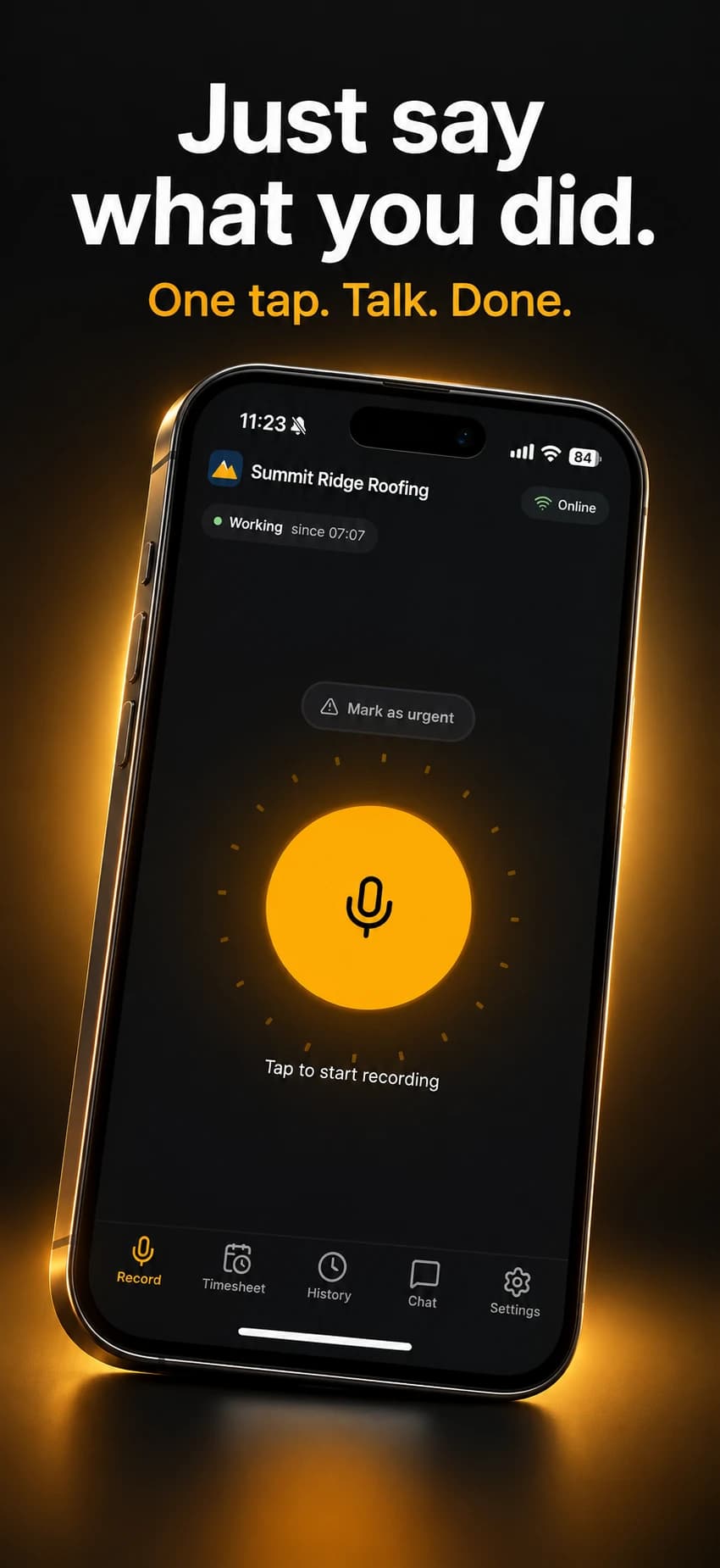
Talk instead of typing
One tap starts a voice note. Mark it urgent when it can't wait.
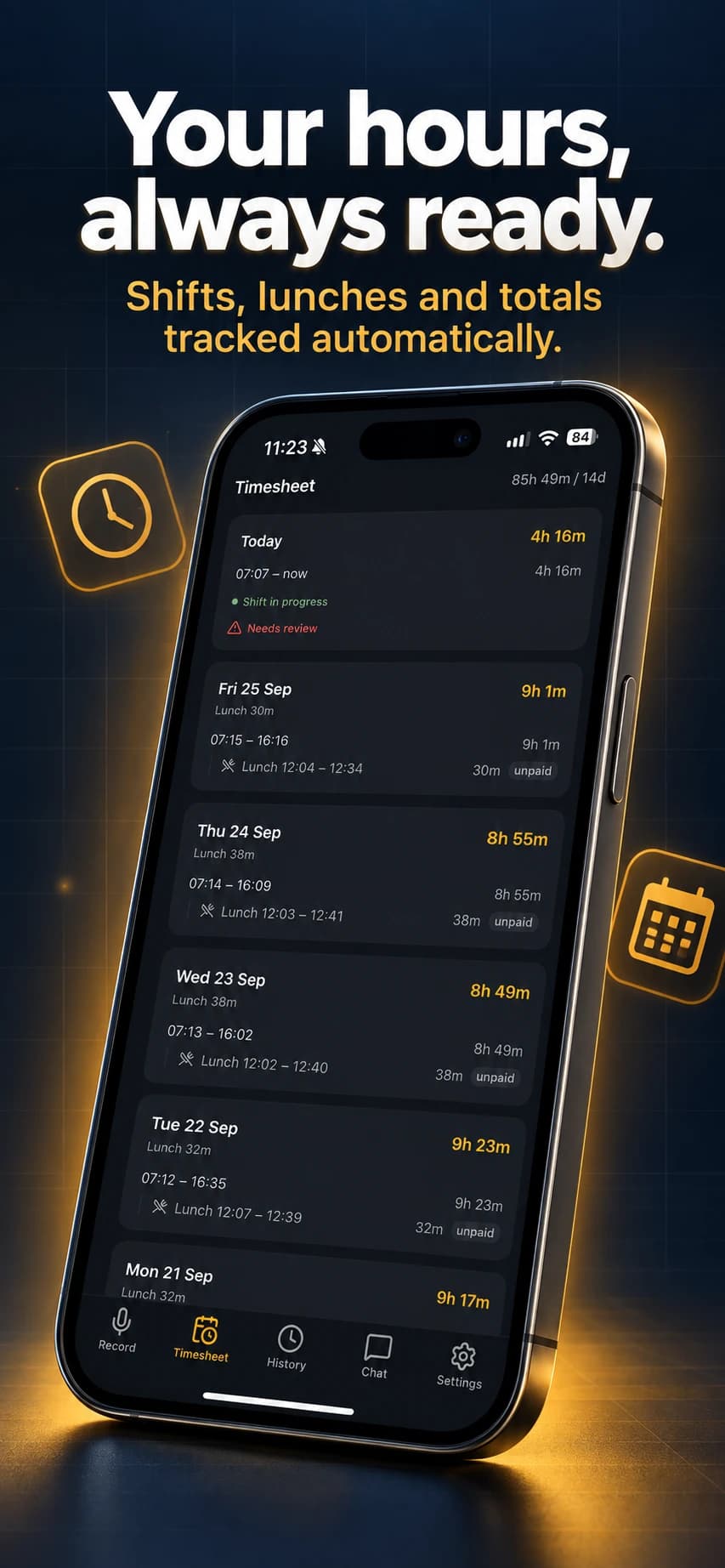
Hours that keep themselves
Shifts, lunches and weekly totals, built from what you said.
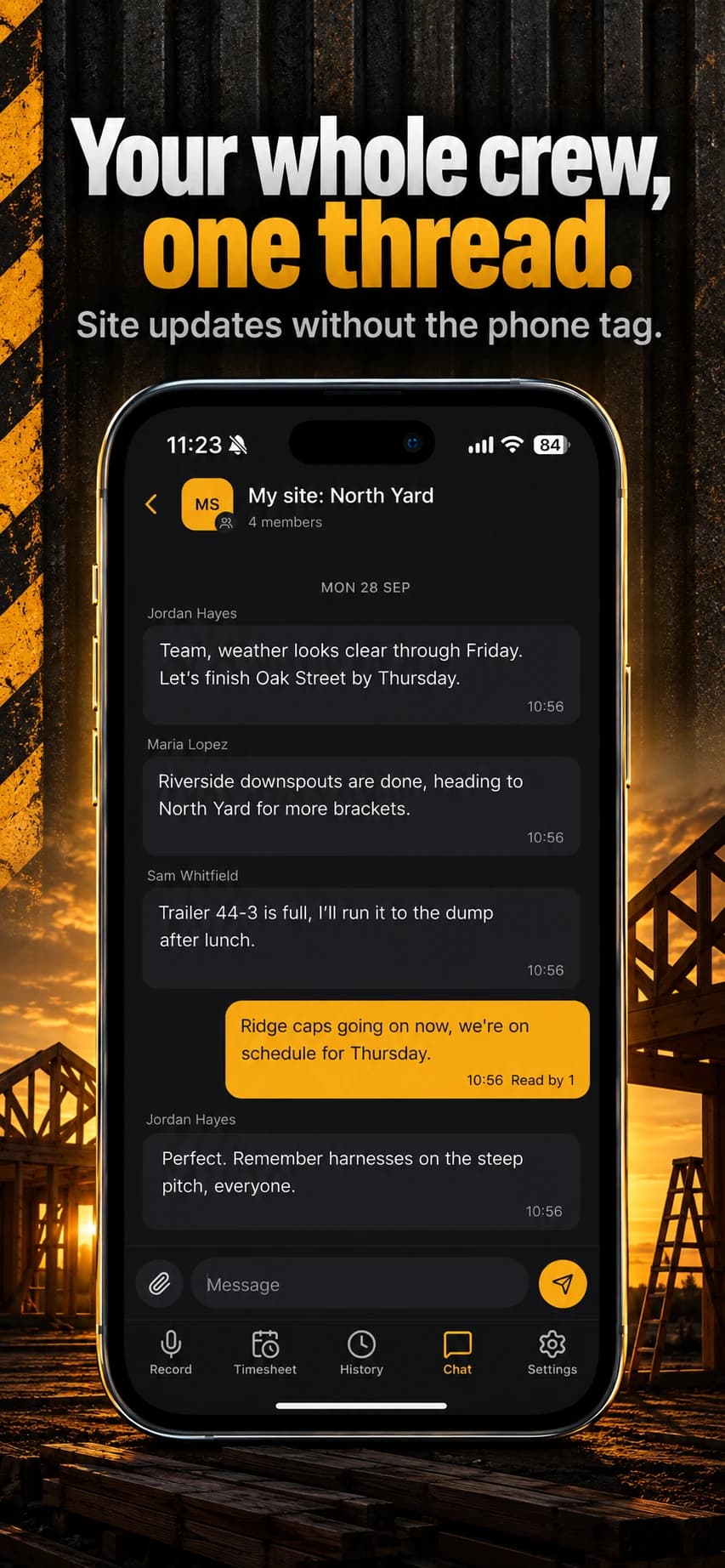
The crew in one thread
Direct and site chats with photos and files. Less phone tag.
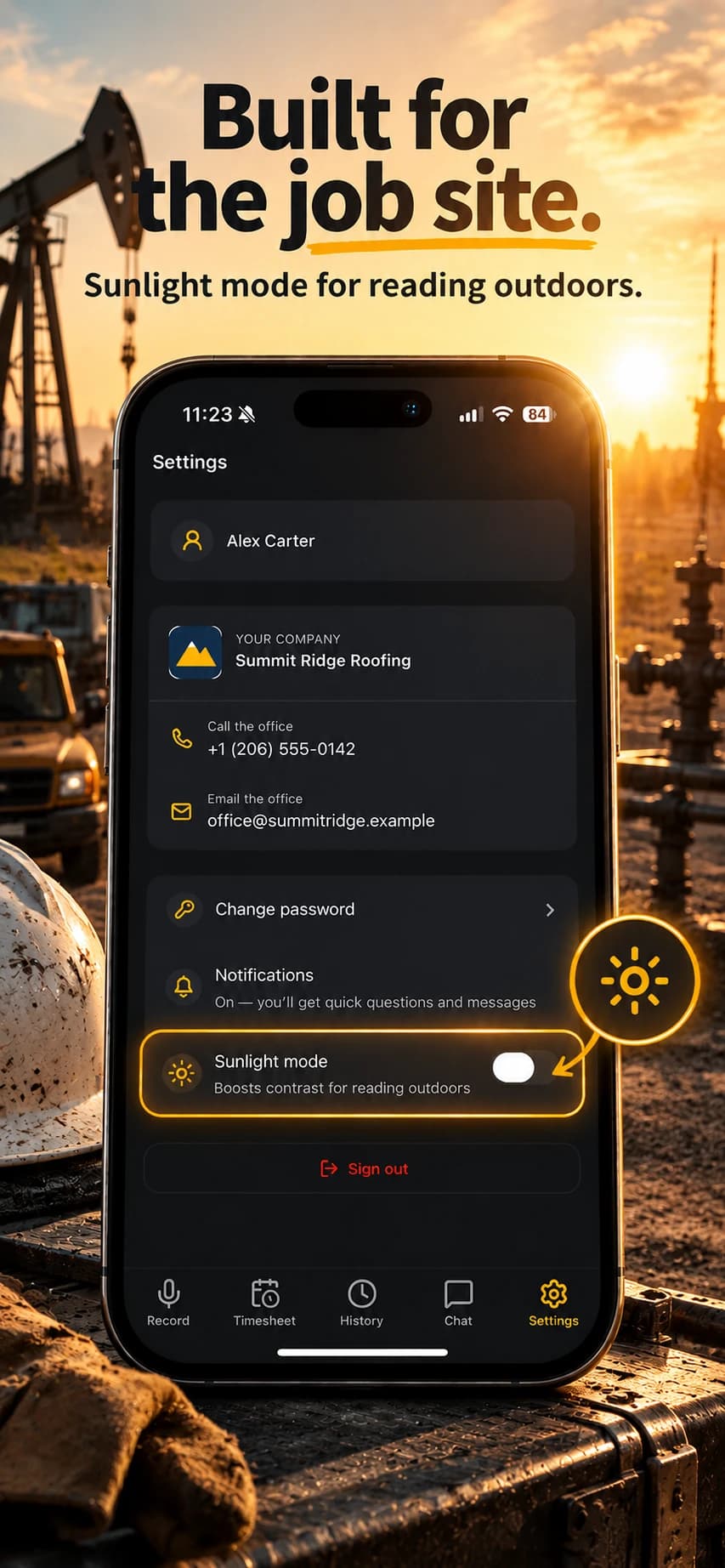
Readable in full sun
Sunlight mode boosts contrast. Office contacts are one tap away.
No signal? Keep talking.
Notes are saved on the phone and sent on their own when you're back in range. Basements and rooftops included.
Nothing to fill in
No forms, no dropdowns. Say when you start, go to lunch and finish, and the timesheet builds itself.
Set up by your company
Your employer creates your account and tells you how to sign in. There's nothing to configure.
For the office
Run the crew without chasing it.
Live board
Who is on shift, on break or off, where, and what they reported last.
Timesheets and exports
Daily and weekly hours with breaks, corrections and CSV export, split by kind of work.
Reports and chat
Every voice note as a searchable report, plus the crew chat in one place.
Want it for your team? Write to support@azus.ai